 Brainwrite Swift Docs
Appearance
Extension: Routines
This page is where you add, update, or delete the Brainwrite Swift routines of the extension. If you want to learn how to create an Brainwrite Swift routine, open this documententation.
Every time you add, update, or delete a routine on this page, the update will automatically be applied to all the users that installed the extension.
Add a Routine
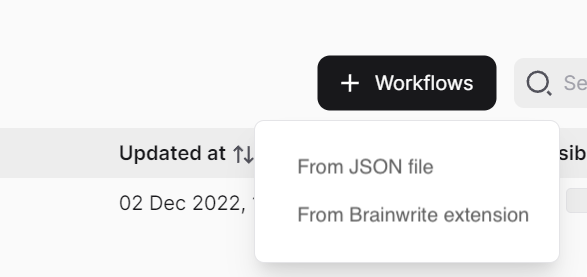
To add a routine to the extension, click the "+ Routine" button, select whether you want to add the routine from JSON files or the Brainwrite Swift extensions, and then select which routines to add.
For the routine JSON file, you can get it by exporting a routine from the Brainwrite Swift extension.
Note
The "From Brainwrite Swift extension" option only works if you use Brainwrite Swift v1.24.0 or newer.
Updating a Routine
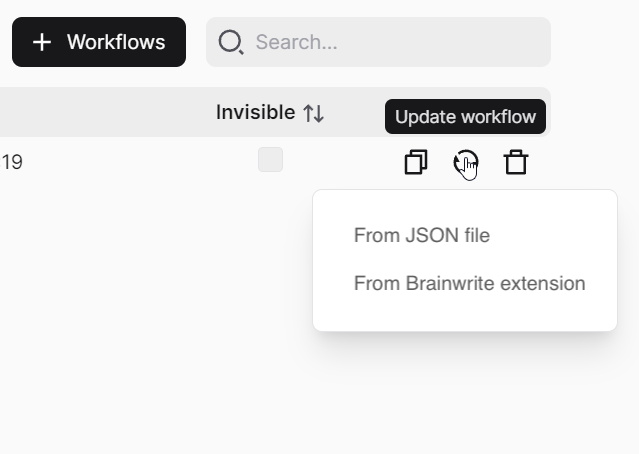
You can update the routine by clicking the update icon on the routine you want to update. After that, click the "From JSON file" or "From Brainwrite Swift extension"; and select the routine.
Deleting a Routine
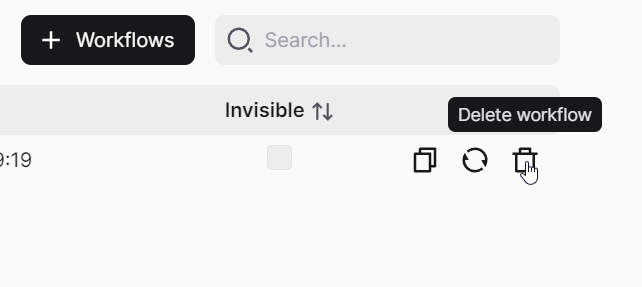
To delete a routine, you can click the delete button on the routine you want to delete.
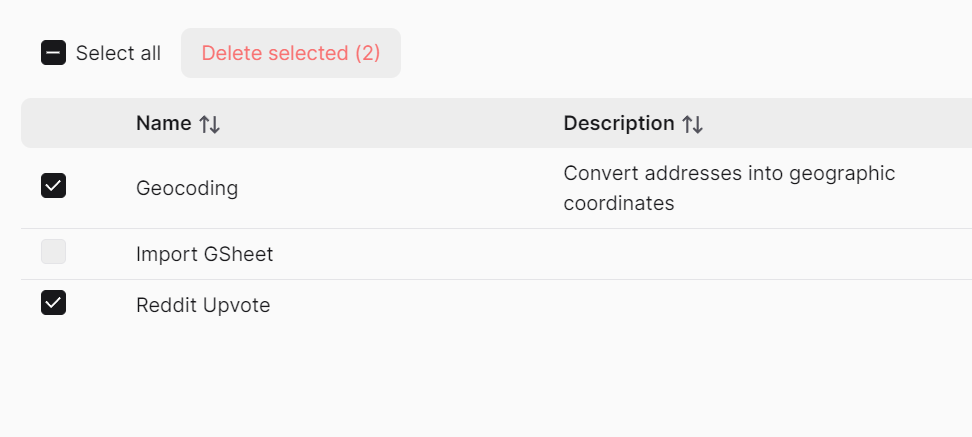
And if you want to delete multiple routines, click the checkbox beside the routine, and click the "Delete selected" button.
Invisible
When you enable the invisible checkbox on a routine, the routine will not visible on the extension when the user installs it. That means the user can't run the routine manually (by clicking the run button on the extension).